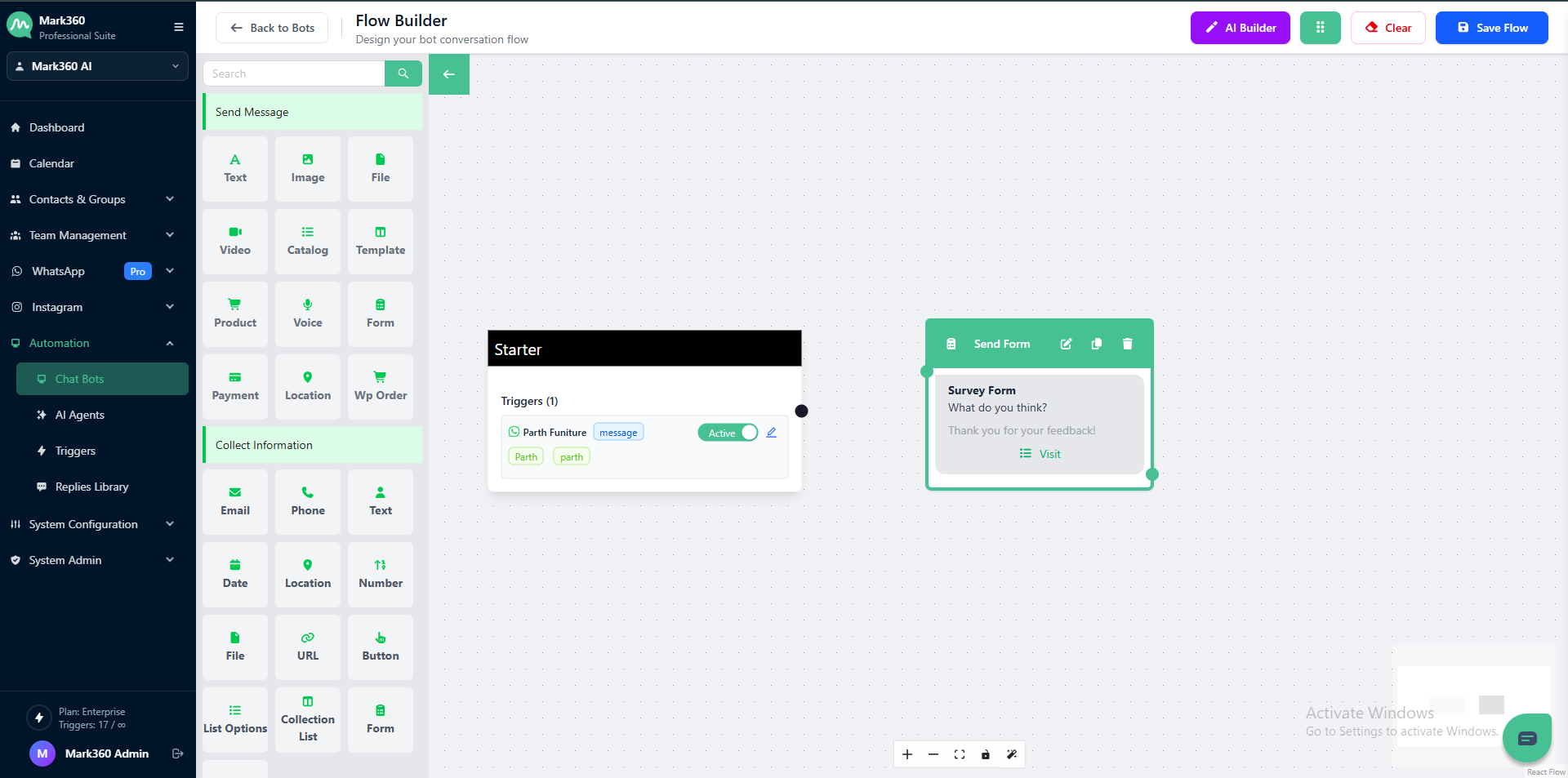
Send Form
Enhance user engagement with customizable forms using the Send Form feature.
Set header, body, footer texts, and more to create a personalized experience for your users.
Overview
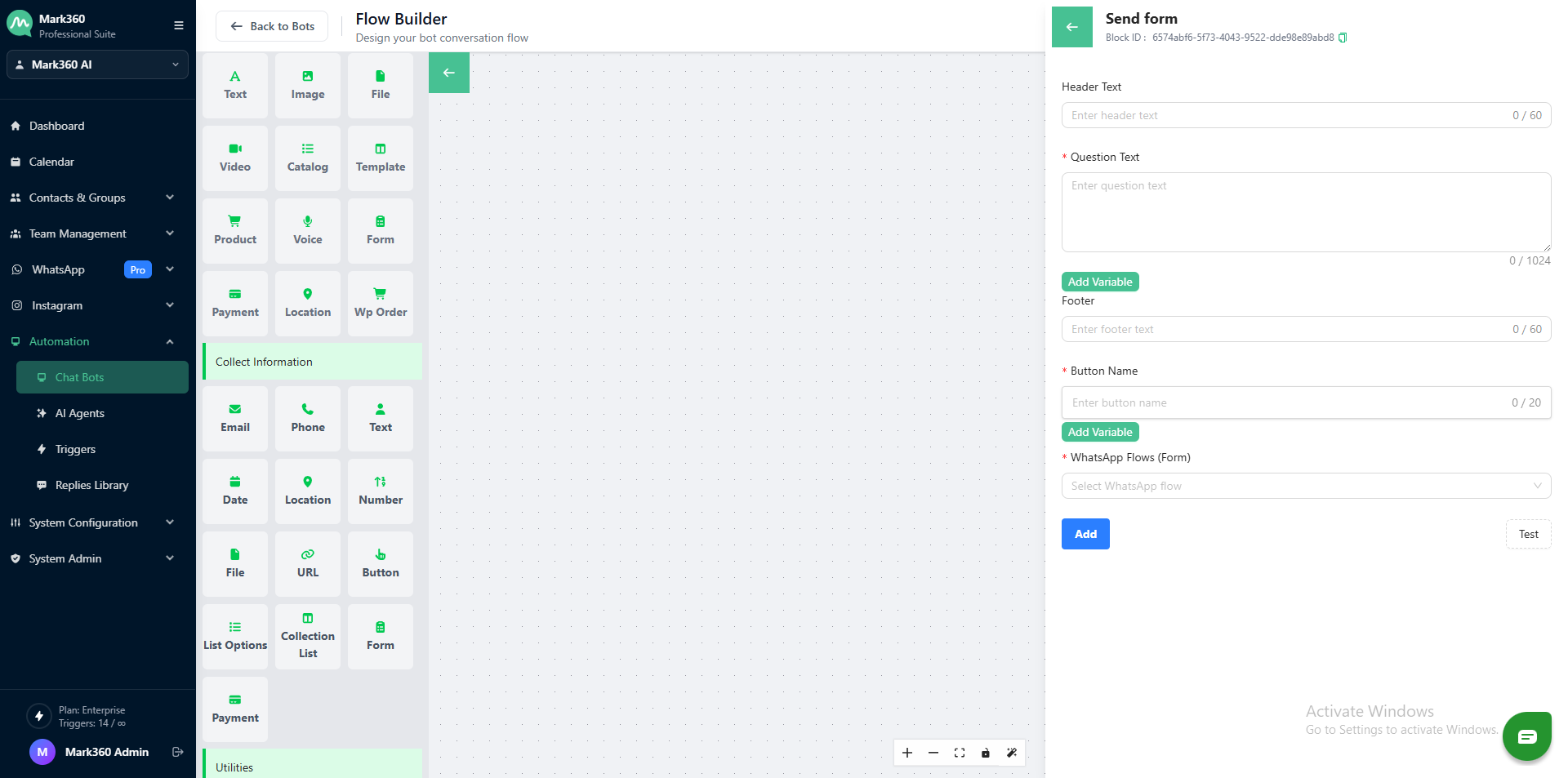
Send Form Essentials
Before we start, here are some things you need to know about configuring the Send Form card:
Header Text
This field allows you to set an optional header for the form, providing context or a title.
Example: "Survey Form"

Body
The body text is where you define the main content or prompt for the user.
Example: "What do you think?"

Footer
Optionally, you can include a footer text. It can be used for additional information or a closing message.
Example: "Thank you for your feedback!"

Button Name
Specify the name for the form submission button.
Example: "View"

WhatsApp Flow
Select or specify the WhatsApp flow associated with the form.
It could be a predefined flow that handles user responses.
Sample Flow - Send Form Card
In Gallabox Bot Interface: